
Big Ambitions System Requirements
Steam's 1.0 hardware list — plus what it feels like in a busy city.
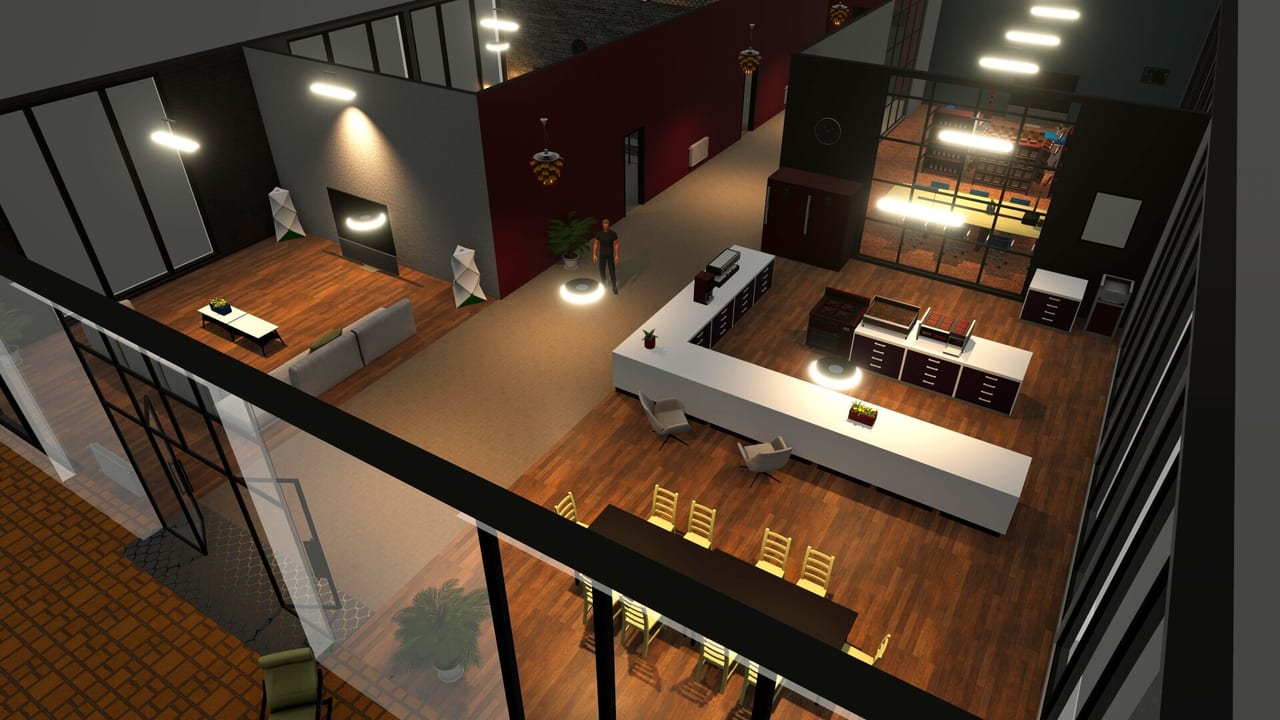
Big Ambitions is a Unity city sim with a lot of interiors, staff, and traffic. Minimum specs on Steam look modest until you own six shops and a warehouse AI. This page copies the official Windows and macOS lists, then translates them into buy/upgrade advice. Confirm the live chart on the Steam store page if a driver update landed after we wrote this.
The game is single-player. You are not fighting netcode. You are fighting draw calls and pathing.
Windows
Minimum: 64-bit Windows 10, Intel i5 or similar, 8 GB RAM, NVIDIA GeForce GTX 960 or similar with at least 2 GB VRAM, 12 GB storage.
Recommended: Windows 10, Intel i7 or similar, 12 GB RAM, NVIDIA GeForce RTX 2060 or similar with at least 8 GB VRAM, 12 GB storage.
A GTX 960 can boot the tutorial. A staffed Midtown block is a different sentence. If you stutter while driving, drop shadows and view distance before you blame the economy. Low FPS makes deliveries feel late even when the clock is fair.
macOS
Minimum: macOS Catalina, Intel i5 or similar, 8 GB RAM, GTX 960-class dedicated GPU with 2 GB VRAM, 12 GB storage. Dedicated GPU is required.
Recommended: Catalina or newer in practice, Intel i7 or similar, 12 GB RAM, RTX 2060-class dedicated GPU with 8 GB VRAM, 12 GB storage. Dedicated GPU is still required.
Apple Silicon users should treat this as “verify on your machine.” Hovgaard has historically struggled with some Mac GPU paths (Workshop/blueprint hotfixes in 0.11 called Mac out specifically). Buy with Steam’s refund window in mind if you are on a thin laptop without a real GPU.
Linux appears in some older spec blocks on aggregators, but Steam’s current platform flags are Windows and macOS with Linux not a first-class store checkbox. Do not plan a Proton evening as official support.
Steam Deck and handhelds
Steam Deck compatibility is Unsupported. Small UI text, keyboard-and-mouse density, and the interior designer are the reasons. The controls page is written for a desk. Play on a monitor.
Storage, cloud, Workshop
12 GB is the installer promise. Workshop blueprints and extra saves will grow the folder. Steam Cloud is listed; still keep a local copy before a big experimental branch. 1.0 save compatibility is a Steam-news problem, not a wiki guarantee — see version 1.0.
Practical settings
- Cap FPS if the GPU fans become the soundtrack of your empire.
- Close the map-filter spaghetti when you do not need it.
- Do not tab into a browser encoder while pathing trucks.
- If only interior designer hitchs, it is often the object count, not the city — use blueprints from the getting started advice instead of 2,000 unique lamps.
Platforms and price context
Steam only for the official PC build. No console release has been announced by Hovgaard in public posts that said the opposite. Family Sharing and 126 achievements are on the store page. Introductory discounts happen; they are not a spec.
If the game launches and immediately feels like slide-show New York, this page is the fix, not a new tier list. Hardware first, then strategy. When you are smooth, go back to opening hours and stop thinking about GPUs.
Minimum RAM at 8 GB is the other quiet killer. Chrome plus Discord plus Big Ambitions will steal the recommended 12 GB. Close the extra browsers. Your purchasing agent needs that memory more than another tab.
If you are choosing a machine for 1.0, prefer the recommended GPU and the extra RAM over a prettier monitor. Interior designer and a busy Industry City lot are where frames drop, not the tutorial apartment. A smooth camera also makes controls feel fair. After the hardware is honest, stop tweaking settings and go hire someone — the employees page is a better upgrade than one more overlay.
Frequently Asked Questions
Quick answers to the most common questions.
Can I run Big Ambitions on a GTX 960?
It meets Steam minimum. Expect to lower settings once the city is busy. RTX 2060-class is the comfortable target.
Does Big Ambitions run on Steam Deck?
Steam lists it as Unsupported. Use a desktop or laptop with a keyboard and mouse.
Is a dedicated GPU required on Mac?
Yes. Steam's Mac notes say a dedicated GPU is required at minimum and recommended.
How much disk space do I need?
12 GB listed, plus room for Workshop blueprints and extra saves.